

 Published
  2 min read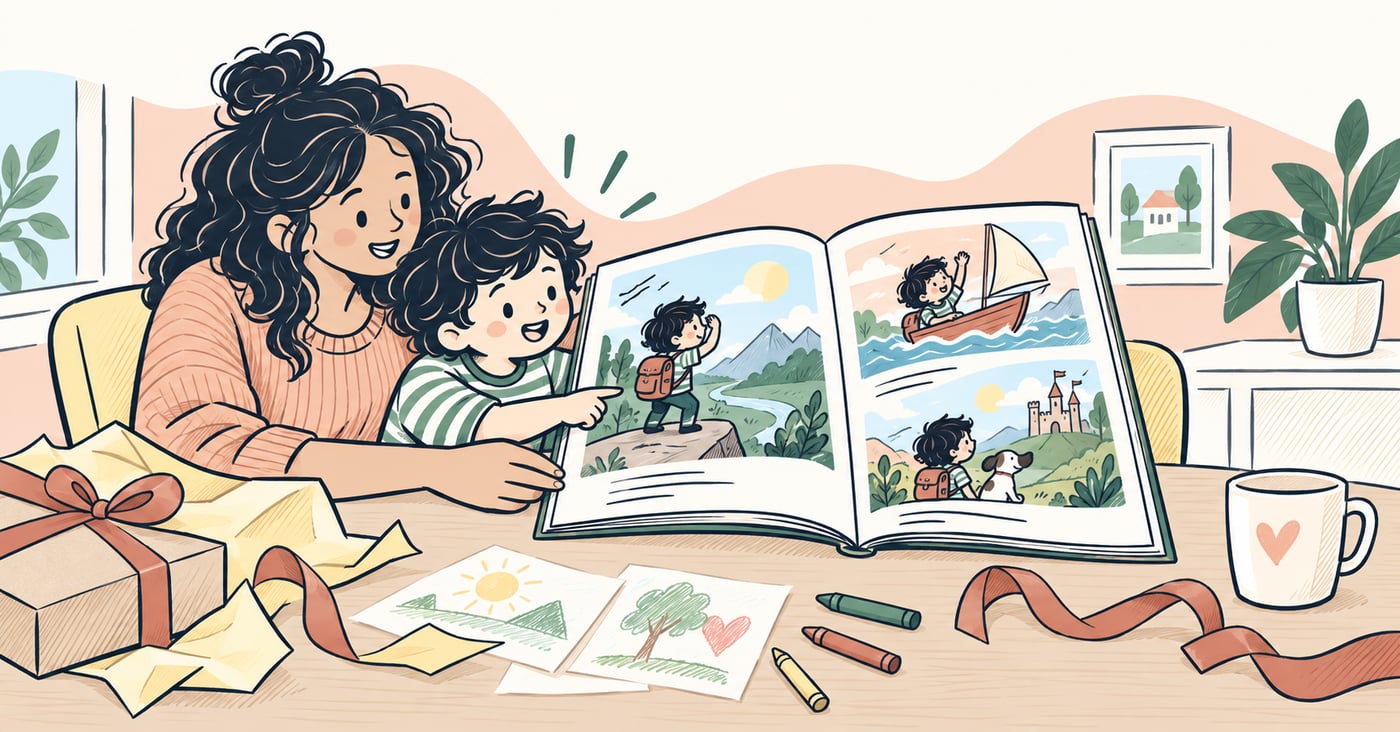
In this article
Key takeaways
- Plan personal details and character references before creating illustrations.
- Use one emotional beat per spread to give the story a clear rhythm.
- Check safe zones, art boundaries, and cover dimensions before printing.
Personalized storybooks can turn a child’s name, interests, and family memories into a birthday gift, bedtime favorite, holiday surprise, or keepsake made especially for them.
They work best when parents and children shape the idea together, then plan the story, character details, dedication, and pages before printing.
Step 1: Define the child’s story role
Choose how the child appears in the story:
- hero of the full story
- co-lead with a companion character
- narrator style with guided scenes
Keep vocabulary and sentence length aligned to age.
Choose the gift occasion
The occasion gives a custom children’s book its emotional center. You might create:
- a personalized birthday book based on the child’s age and favorite things
- a bedtime storybook with familiar routines, toys, or pets
- a Christmas or holiday adventure with a personal dedication
- a new-sibling story that helps a child prepare for change
- a family keepsake based on a trip, tradition, grandparent, or milestone
Use the occasion as a starting point, then let the child’s imagination shape the adventure.
Step 2: Set visual references early
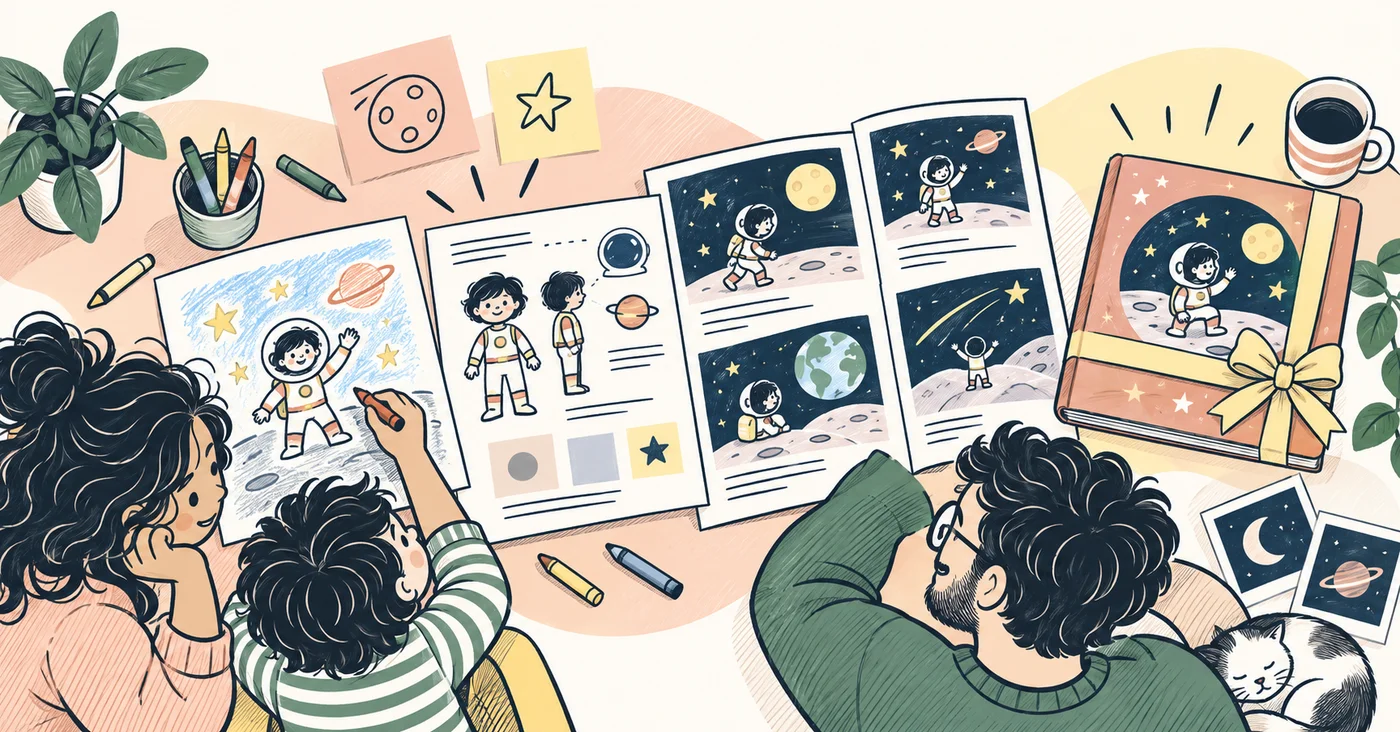
For consistent output across pages, lock references for:
- hairstyle and features
- recurring outfits
- family or school environment cues
- tone (playful, cozy, adventure, bedtime)
For broader creation foundations, also read AI Children’s Book Maker Workflow Guide.
Step 3: Keep page flow simple
Aim for one emotional beat per spread.
A strong pattern:
- setup
- small challenge
- helper moment
- confidence shift
- warm ending
Step 4: Make it print-ready
Before ordering copies, verify:
- text stays inside safe areas
- no key art touches trim unexpectedly
- cover and spine dimensions are correct
Use KDP Children’s Book Formatting Checklist if you plan to self-publish.
Step 5: Save reusable templates
After your first book, reuse:
- character model presets
- story arc templates
- layout blocks for common ages
If your goal expands from gifts to publishing, continue with Self-Publish Children’s Book Checklist.
For the complete family workflow, read the personalized storybook gift guide for parents and children.
Final takeaway
Parents and children get the best results when personalization has a clear purpose. A simple workflow can turn their shared ideas into a custom storybook that feels like a meaningful gift, reads well aloud, and is ready to keep.
Sources and further reading
References and background reading for this article.
- Story Sequence Reading Rockets · Supports: story sequencing and narrative structure for young readers
- Format Your Paperback Amazon Kindle Direct Publishing · Supports: print layout, trim, bleed, and margin preparation
Build your children’s book workflow with more clarity.
Join Occibo to plan stories, shape visual prototypes, and prepare better publishing steps.
