
 Published
  1 min read
In this article
Key takeaways
- Compare workflow outcomes and production efficiency, not generation alone.
- Match software to authors and illustrators, parents with children, or kindergarten and primary school teachers.
- The strongest tools reduce rework from the initial idea to the finished book.
Most creators compare software by features. Better results come from comparing workflow outcomes.
Use this guide to evaluate platforms before committing to one stack.
Evaluate by workflow, not only generation
Check whether the platform supports:
- manuscript-to-layout continuity
- character consistency across spreads
- print-aware export settings
- launch and listing support
A tool that only generates images creates downstream friction.
Key comparison criteria
- Story planning support
- Scene and character control
- Layout flexibility
- Print/export reliability
- Collaboration and handoff quality
If you are publishing commercially, also keep Self-Publish Children’s Book Checklist open while evaluating.
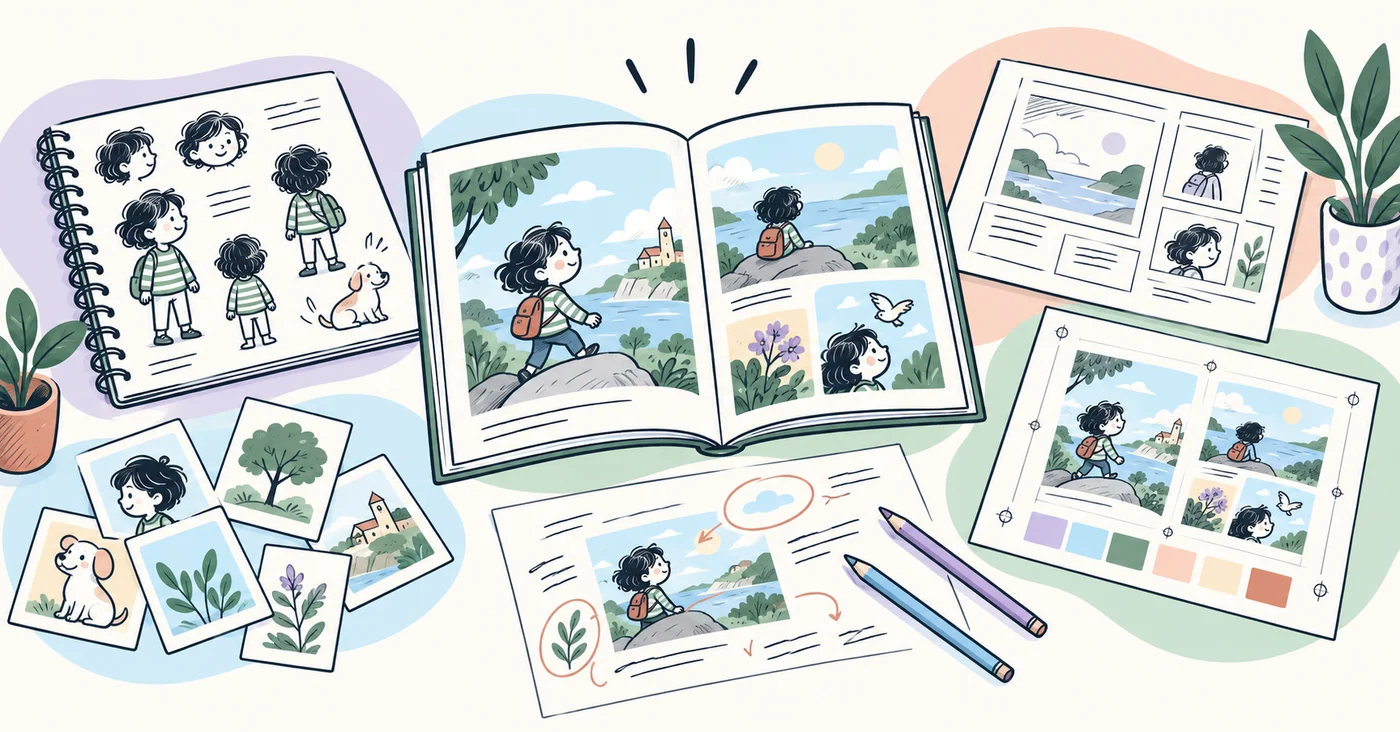
Match tools to creator type
- children’s book authors and illustrators: prioritize story planning, visual exploration, collaboration, and production
- parents and children: prioritize shared storytelling, personalized gift options, child-as-hero stories, and simplicity
- kindergarten and primary school teachers: prioritize reading-level control and reusable classroom templates
Related reads:
- How Parents Can Create Personalized Storybooks
- How Teachers Can Create Classroom Books
- KDP Children’s Book Formatting Checklist
Compare this checklist with Occibo’s children’s book creation software to see which workflow and export features are built into the product.
Final takeaway
The right software is the one that reduces rework across your full book lifecycle. Compare systems based on how cleanly they get you from idea to finished book.
Sources and further reading
References and background reading for this article.
- Adobe InDesign Adobe · Supports: professional page-layout and publishing capabilities
- Format Your Paperback Amazon Kindle Direct Publishing · Supports: criteria for evaluating print-ready book software
Build your children’s book workflow with more clarity.
Join Occibo to plan stories, shape visual prototypes, and prepare better publishing steps.
