
 Published
  2 min read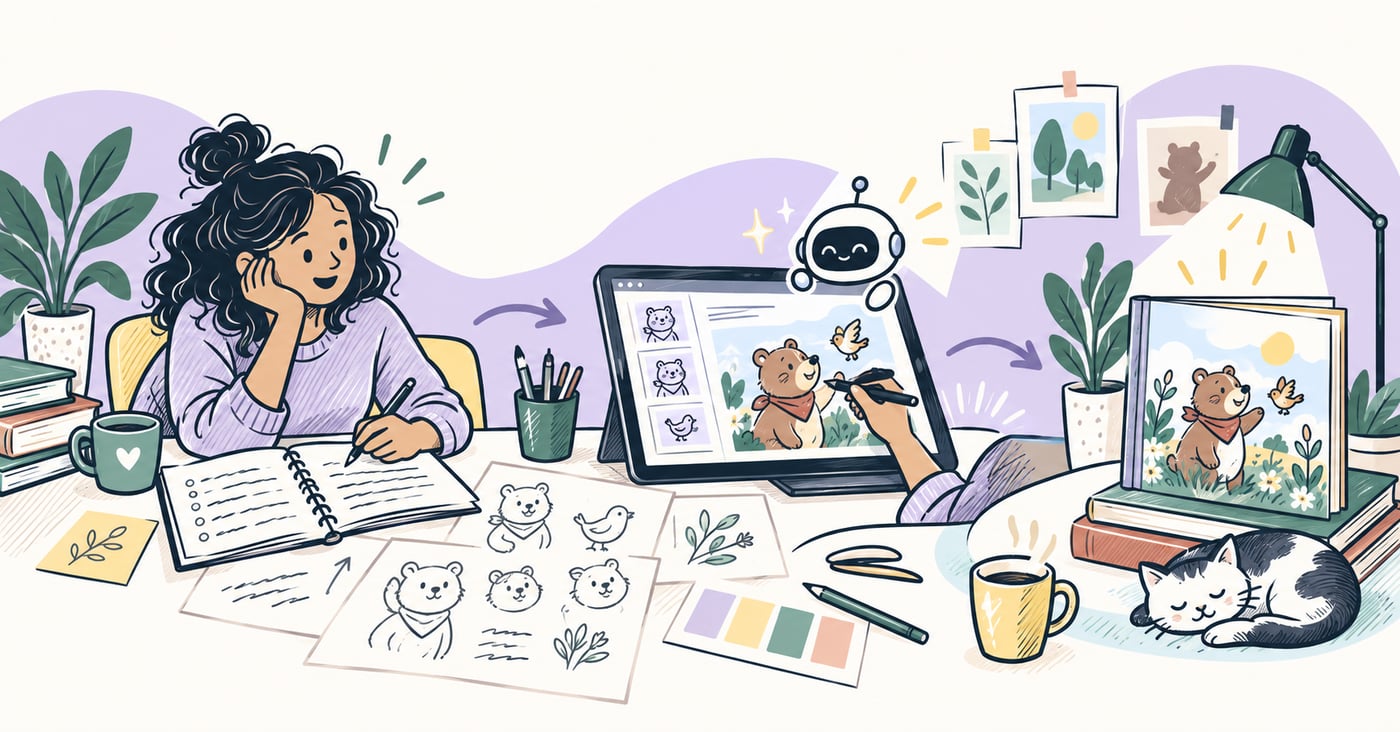
In this article
Key takeaways
- Workflow clarity and consistency matter more than image generation alone.
- Lock trim size, character references, and print specs before creating pages.
- Treat AI book creation as a complete production system, not just an image tool.
If you are searching for an AI children’s book maker, the real win is workflow clarity, not image generation alone.
A production-ready process should help you move from manuscript or idea to a printable book package, including layout checks, export settings, and launch assets.
Start with structure, not visuals
Before generating pages, define:
- reader age range
- page count target
- trim size and print intent
- tone and illustration style direction
This avoids expensive rework in the layout stage.
For a complete writing-first path, read How to Write a Children’s Book.
Build scenes with consistency rules
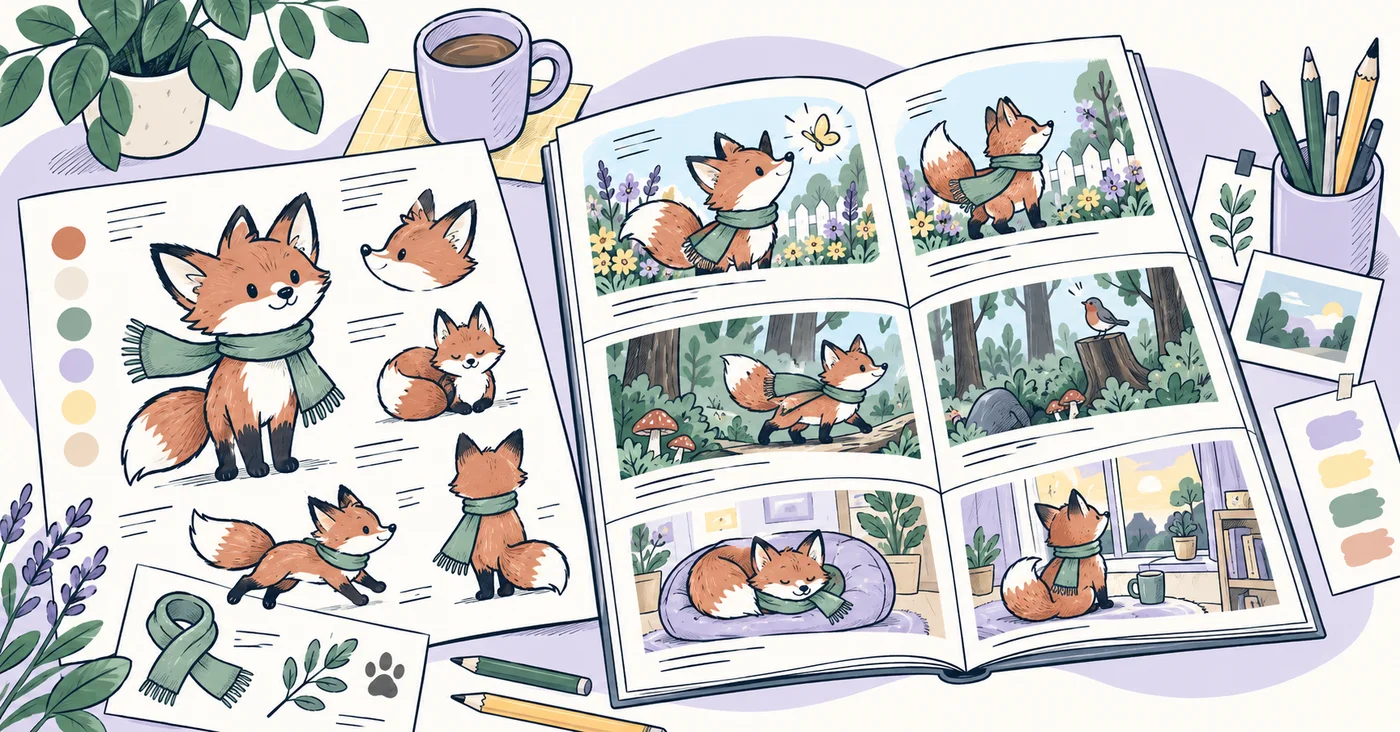
Use a scene-by-scene plan and lock character references early.
A reliable setup includes:
- character profile sheet
- scene sequence
- recurring palette and environment notes
- text-safe zones for every spread
For parents creating stories with their children, also review How Parents Can Create Storybooks.
Prepare files for publishing from day one
The best AI book workflows include print constraints during creation.
Key checks:
- bleed and safe margins
- image quality for print
- cover spread sizing
- metadata and listing prep
For publishing specifics, use:
Connect workflow to launch
After final export, prepare launch assets:
- listing copy
- cover mockups
- social snippets
- email or classroom announcement copy
You can compare tooling choices in Children’s Book Creation Software Buyer’s Guide.
See how these capabilities come together in the Occibo AI children’s book maker.
Final takeaway
A good AI children’s book maker is a full production system. The faster path is not “generate more images”. It is “decide the workflow once, then execute consistently.”
Sources and further reading
References and background reading for this article.
- Format Your Paperback Amazon Kindle Direct Publishing · Supports: trim size, bleed, margins, and print-file preparation
- File Help and Title Setup IngramSpark · Supports: print-ready file and title setup requirements
Build your children’s book workflow with more clarity.
Join Occibo to plan stories, shape visual prototypes, and prepare better publishing steps.
